

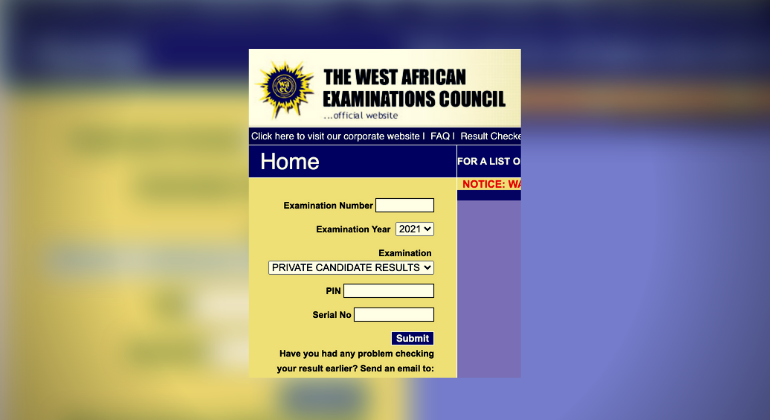
The West African Examinations Council has officially released the results for the 2024 West African Senior School Certificate Examination (WASSCE) for school candidates.
The announcement was made via a post on X on Monday, August 12, 2024, stating, “The West African Examinations Council is pleased to inform candidates that the 2024 WASSCE results have been officially released today.”
Here’s how you can check your results using SMS or the website:
Checking WAEC Results via SMS
1. From your mobile device, type: WAEC*ExamNo*PIN*ExamYear
2. Send the message to 32327
3. You will receive an SMS with your WAEC result statement.
Important: This SMS service is available only for MTN, Glo, and Airtel subscribers. If you do not receive your result via SMS, please repeat the process. Note that standard SMS charges apply.
Checking WAEC Results Online
1. Visit [www.waecdirect.org](http://www.waecdirect.org).
2. Log in with your details.
3. Enter your Examination Number.
4. Select the Examination Type (e.g., May/June).
5. Choose the Examination Year (e.g., 2024).
6. Click on “Check Result.”
Please ensure you have a WAEC scratch card if required for online access.


